SAMPLE AND DEMONSTRATION ONLY. Illustrative analysis of publicly available information, prepared by BI Consulting Services. Not affiliated with, endorsed by or produced for any company shown.
DEMONSTRATION · ILLUSTRATIVE DATA · BI Consulting Services
Greater Des Moines Habitat for Humanity× BI Consulting Services
Prepared for Brian
September 2026 · Construction planning concept

The build-season portfolio board: every lot, every checklist, one street view.

A Power BI concept built around the February 2025 ask: monitor 10,000+ tasks and checklist items across the season's overlapping builds and repairs, see where 20–30 projects collide on crews and deadlines, and drill from the street down to a single punch-list item — fed by Project for the Web, SharePoint, Salesforce and Excel through one semantic model.

✓Anchored to GDM Habitat's published 2024 impact: 41 homeownership opportunities, 204 repairs & community projects, 475 families served, four counties1
Program
Window
Signature view · Build-season street

Every active lot on one street, placed by planned completion

Each house is one project; its fill is % of tasks complete. The bar behind it is the planned start–finish. Hover a lot for detail · overlapping bars in the same weeks are the projects competing for the same crews.
New construction Repairs ReStore-funded Today (wk 23)
Trend · 24-week build season (Apr–Sep 2026)

Tasks completed vs planned, by week

Planned load comes from Project for the Web schedules; actuals from task and checklist status. Weeks after today are plan only.
PlannedCompletedShortfall
What this board answers

Three questions from the site trailer

Ranking · Schedule risk

Projects by days behind plan

Days behind = open planned tasks ÷ the project's planned daily rate. Click-through in Power BI would open the project's task list.
Resource utilization · by week

Crews, volunteers and site supervisors vs capacity

Demand is summed from every project active that week; capacity is the season plan (12 crews · 180 volunteer slots · 6 site supervisors). Cells show % of capacity; cells over 100 are the weeks where overlapping projects collide.
<70%70–100%>100%
Data integration · one semantic model

Where every number on this board comes from

Four sources refresh into one Power BI semantic model; the 2–3 dashboards read from it, so a task status changed in Project for the Web lands on the street view within the hour.
Ask the data · mock-up

Plain-English questions over the same model

Static illustration of a natural-language layer on top of the semantic model. Answers cite the visual they were read from.
The February 2025 ask · verbatim
“Delivery and support of interactive PowerBI dashboards to facilitate construction planning; recommendations for structural changes to existing Microsoft Project for the Web files; creation of 2-3 Power BI dashboards; semantic model; data integration from Microsoft PFW, SharePoint, Salesforce, Excel, CSV; ability to monitor progress of more than 10,000 tasks and checklist items across 100–200 individual projects; allow users to visually understand interactions between 20–30 overlapping projects related to task status, deadlines, assignments and resource utilization; filter and drill down into and across projects.”
From Brian's notes, February 2025. This page is a scope-definition exercise: each clause above maps to a panel.
Monitor 10,000+ tasksKPI row + trend: 10,460 tasks across the season's 28 projects, counted from PFW task and checklist rows.
20–30 overlapping projectsThe street view + utilization grid: where planned windows stack up on the same crews.
Filter & drill across projectsProgram and Window filters recalculate every panel; each house drills to its task list.
PFW structural changesSuggested: one project per lot, a standard 6-phase checklist template, a Salesforce family ID on every project.
DEMONSTRATION · ILLUSTRATIVE DATA · BI Consulting Services
Also from BI Consulting Services

Private AI on your own server

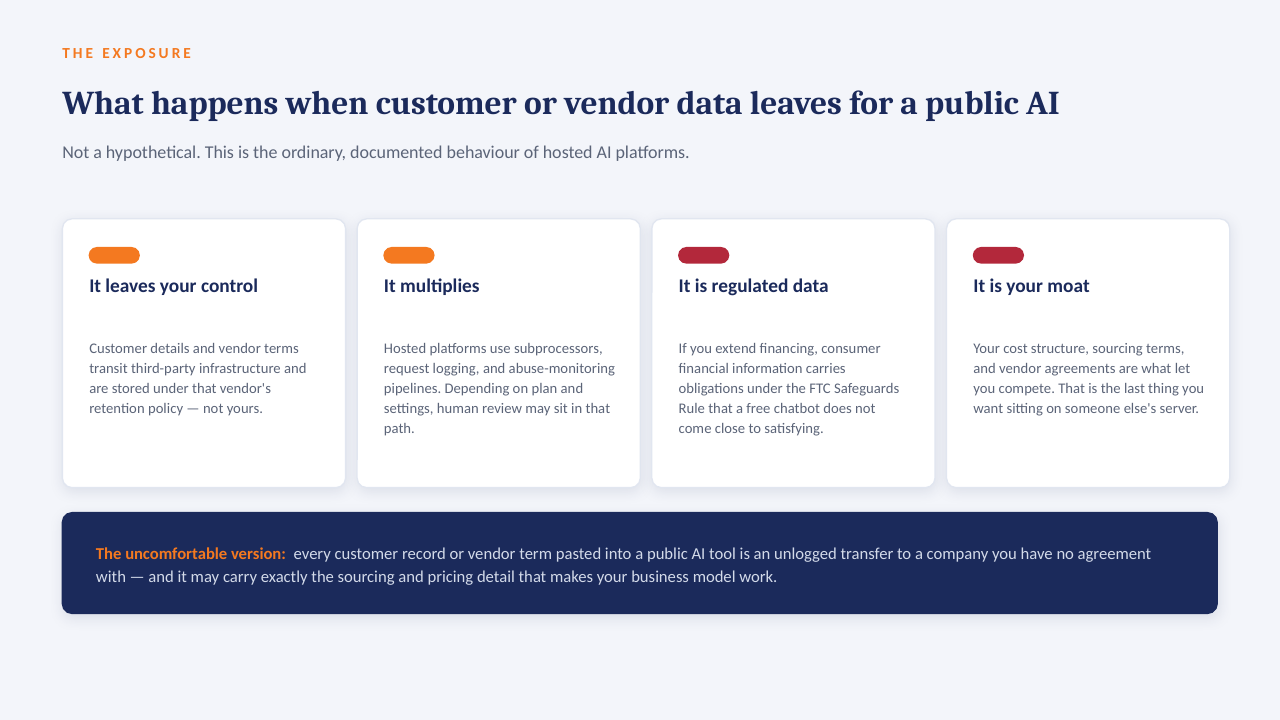
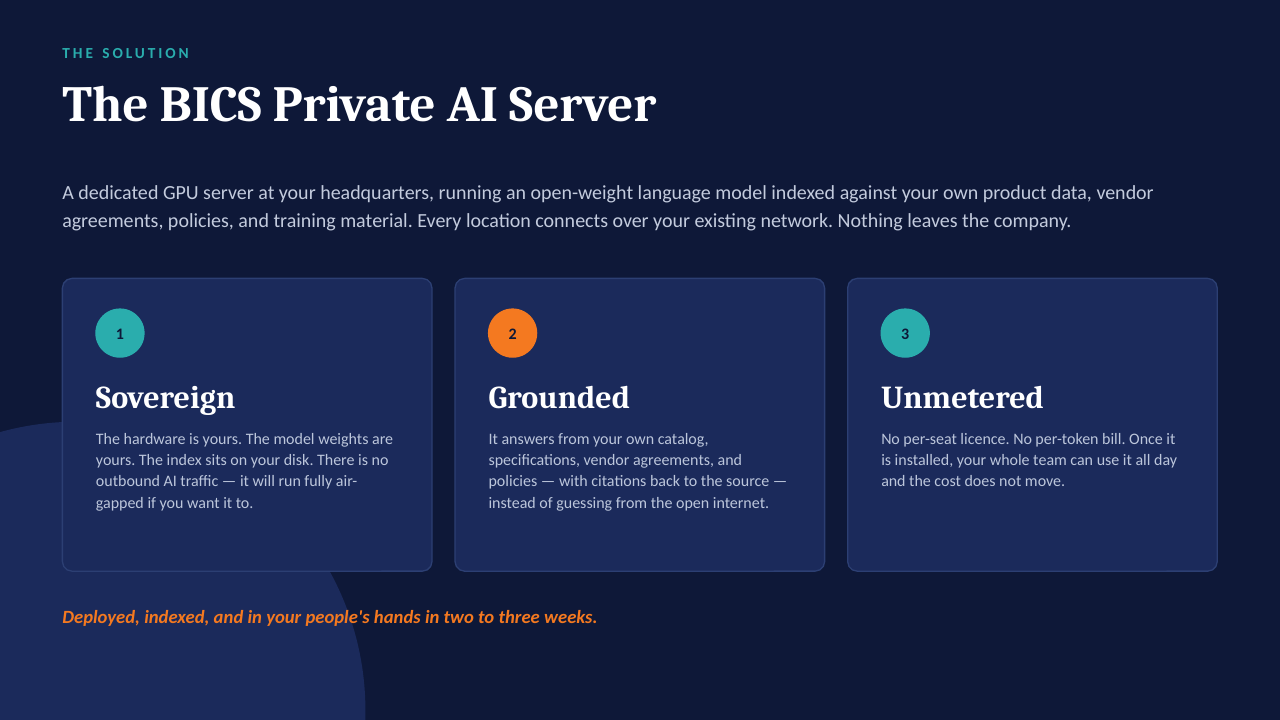
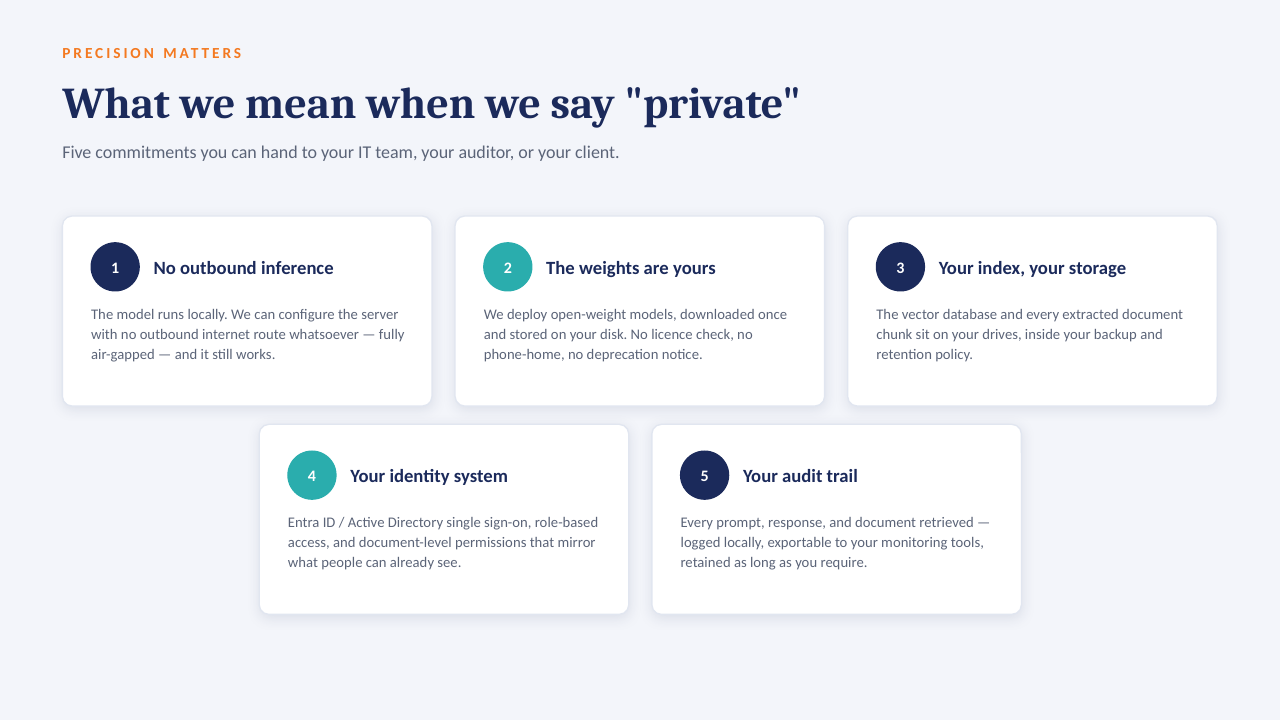
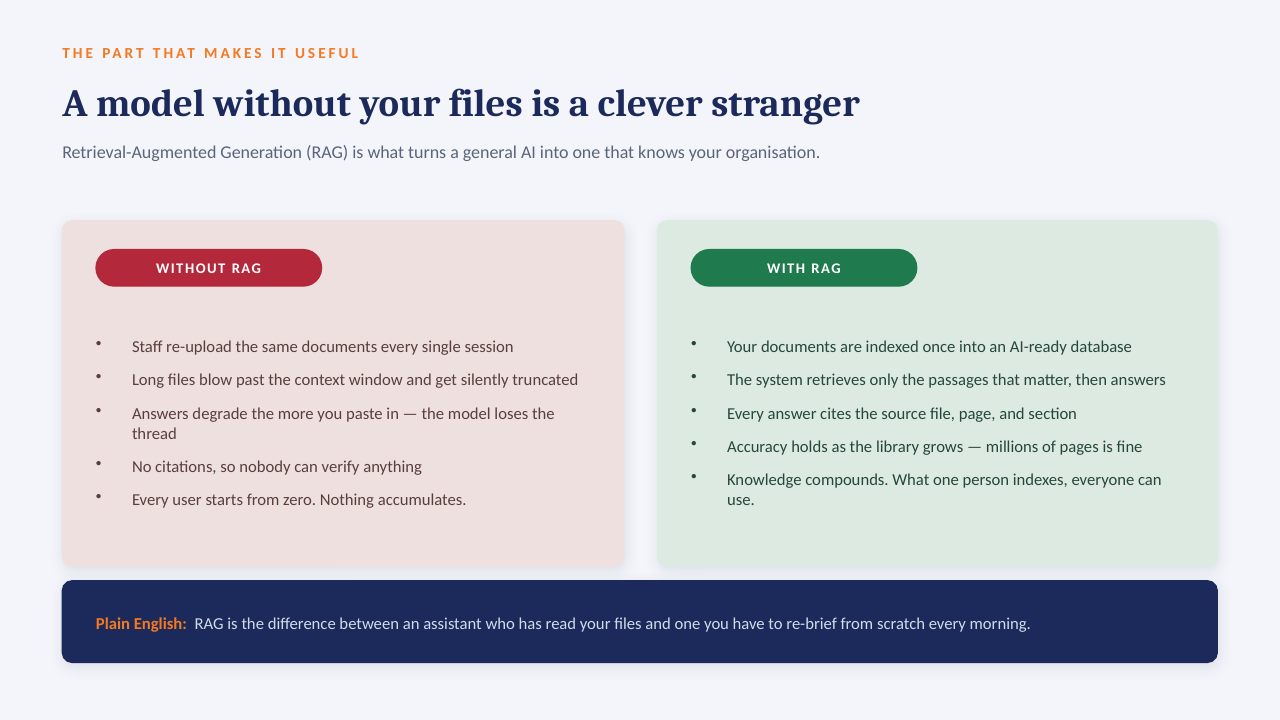
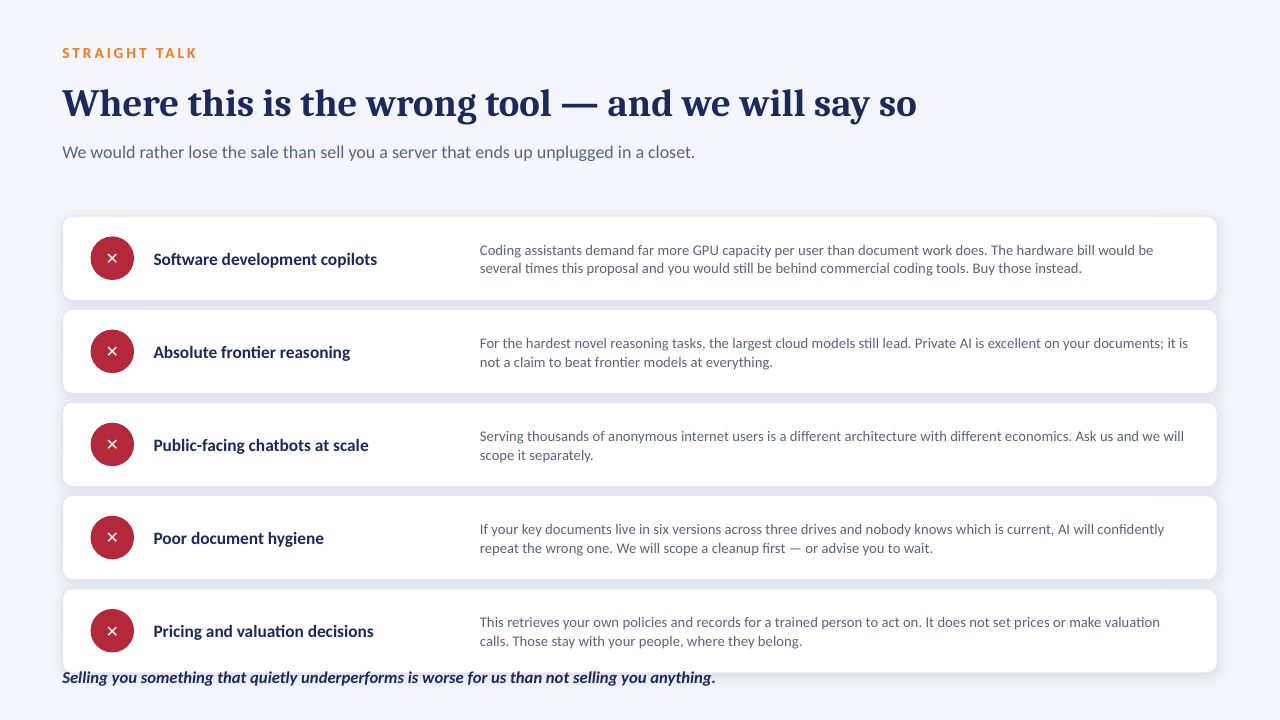
The "ask the data" panel above is built to run on a GPU server inside your own network: an open-weight model over your own documents, with every answer citing the file it came from. No per-seat licence, works offline, and nothing leaves the building.

How it sits in your environment

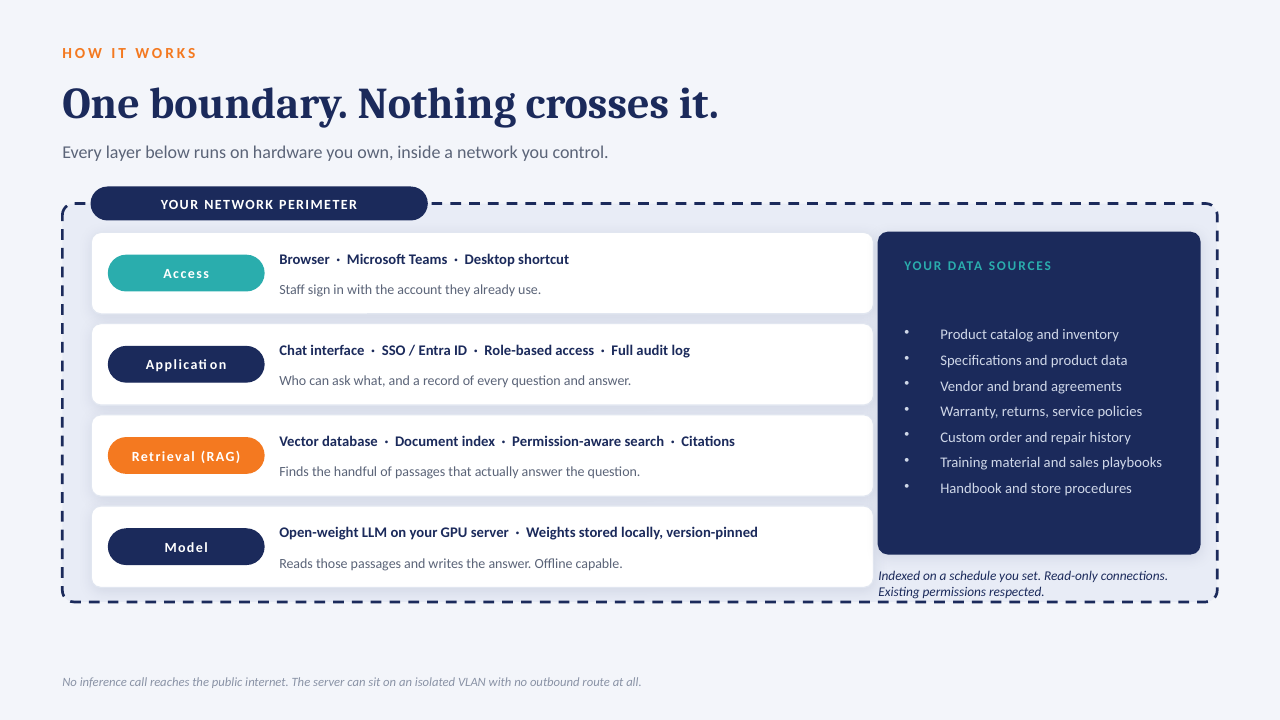
YOUR NETWORK · NOTHING LEAVES THE BUILDING Your files policies · SOPs · contracts reports · ERP exports indexed locally GPU One server, in your building open-weight model · your data only in seconds Cited answers every reply links to the source file and page no cloud AI · no third-party processor
One appliance-class server on your rack or in a secured closet. Your files are indexed where they already live; the model runs locally; answers come back with the source page attached.

What that means in practice

  1. 1
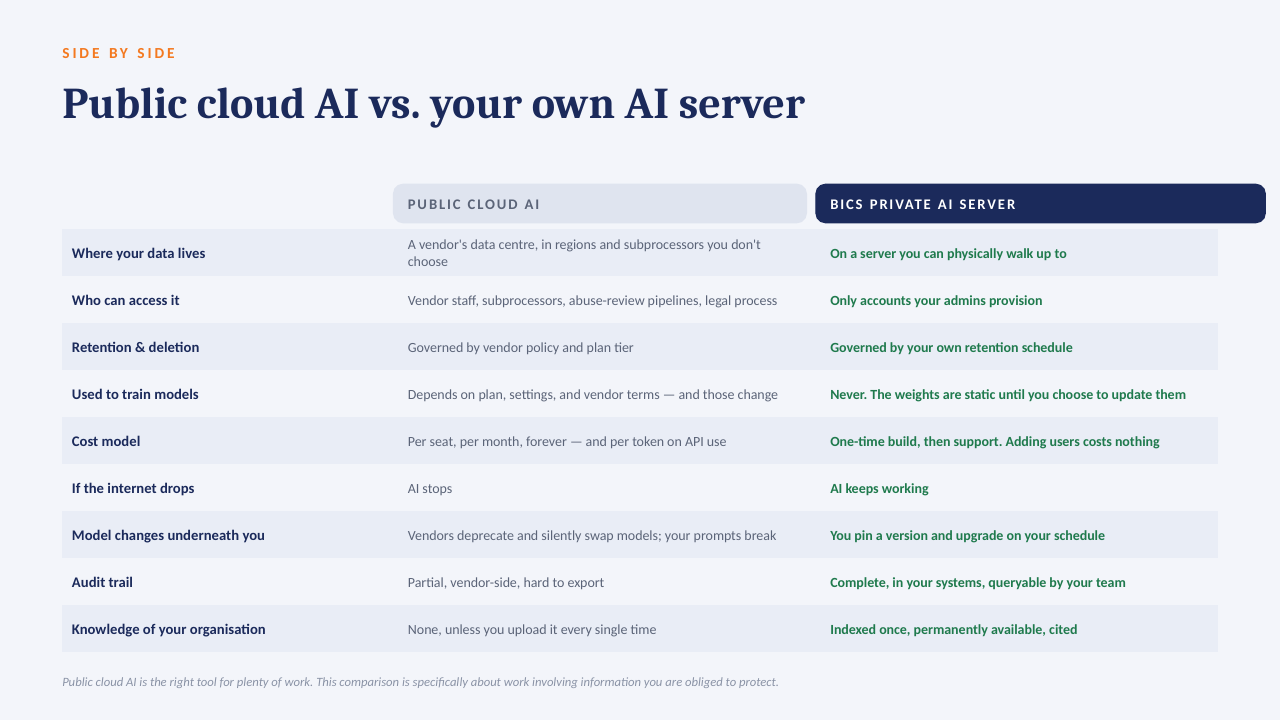
    Your data only, on your hardwareAn open model over your own documents and exports. No third-party AI processor, no data-transfer agreement to review.
  2. 2
    Every answer cites its sourceReplies point to the file and page they were drawn from, so people check the answer instead of trusting it blind.
  3. 3
    No per-seat licenceThe whole team can ask questions. Cost is the server and our build, not a monthly number that grows with headcount.
  4. 4
    Works offlineIf the internet connection goes down, the answers still come. Nothing depends on a vendor's uptime or pricing changes.

The short deck

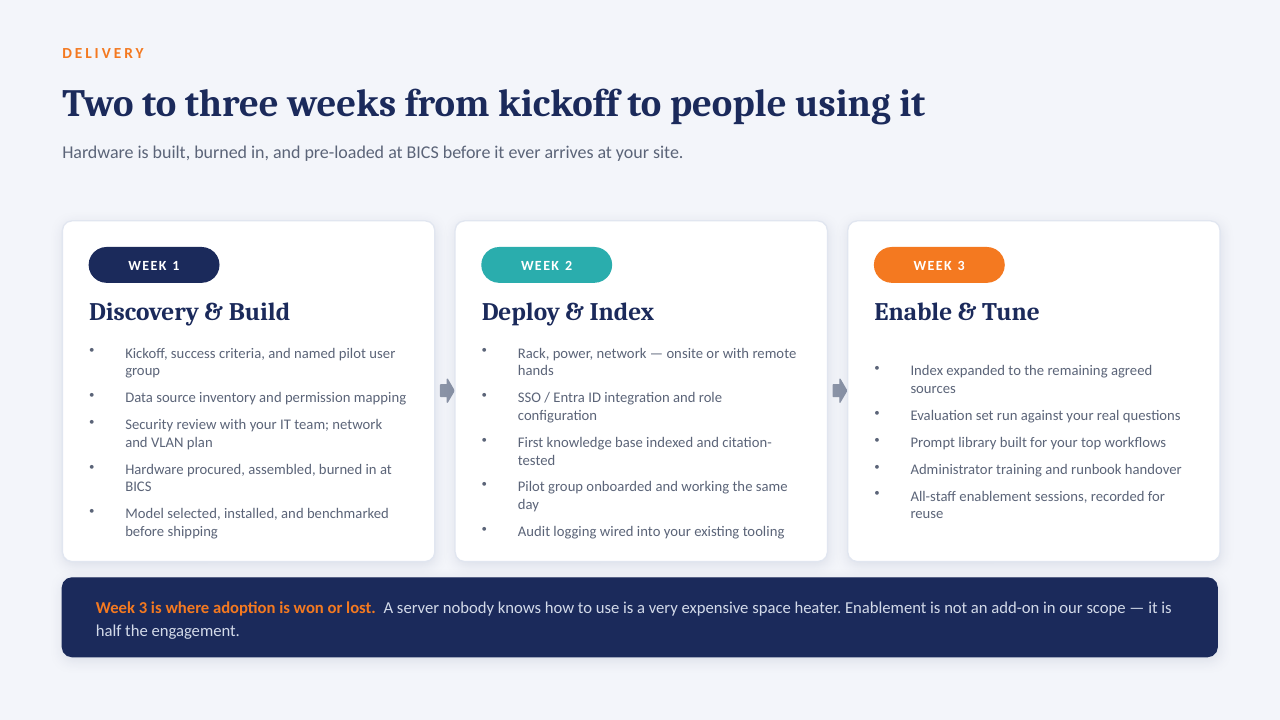
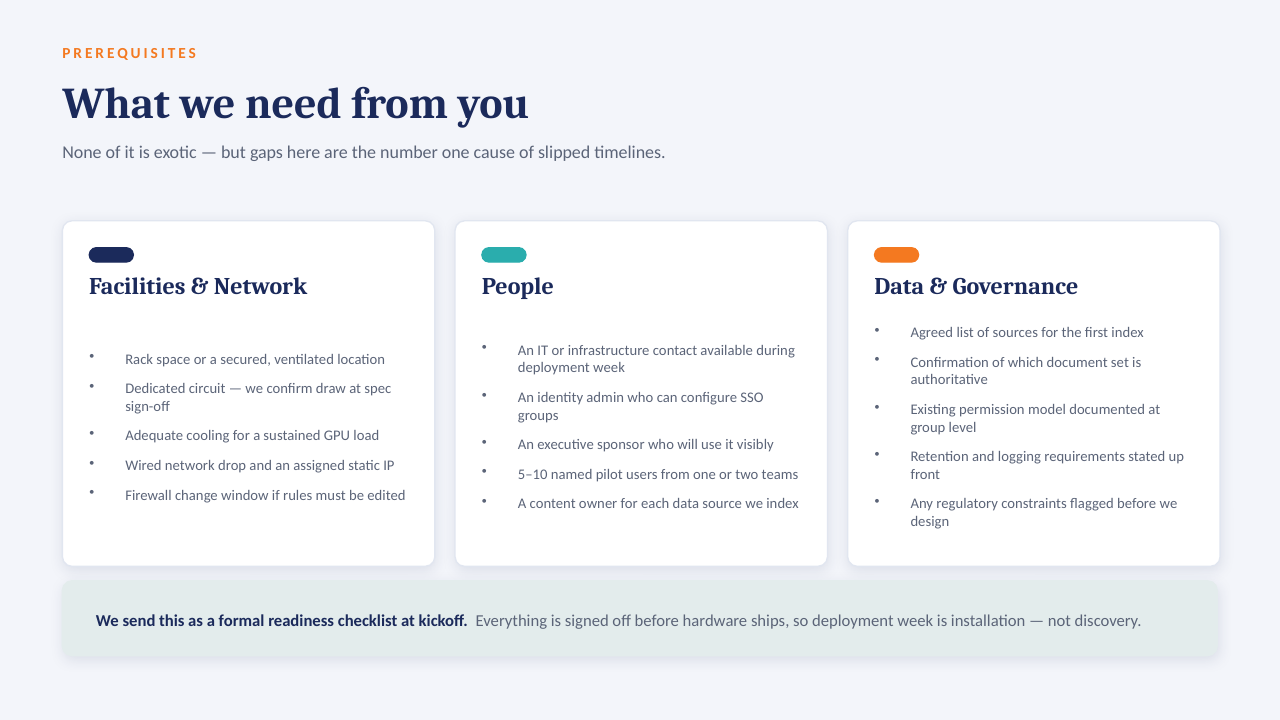
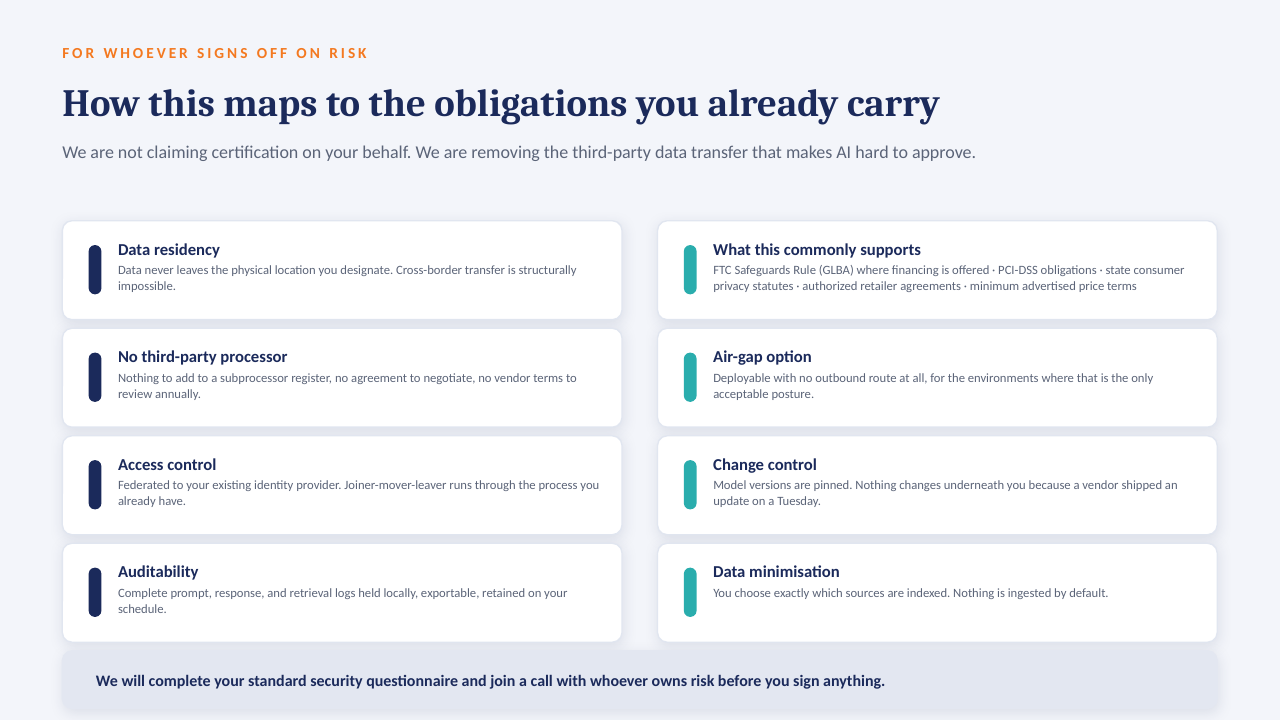
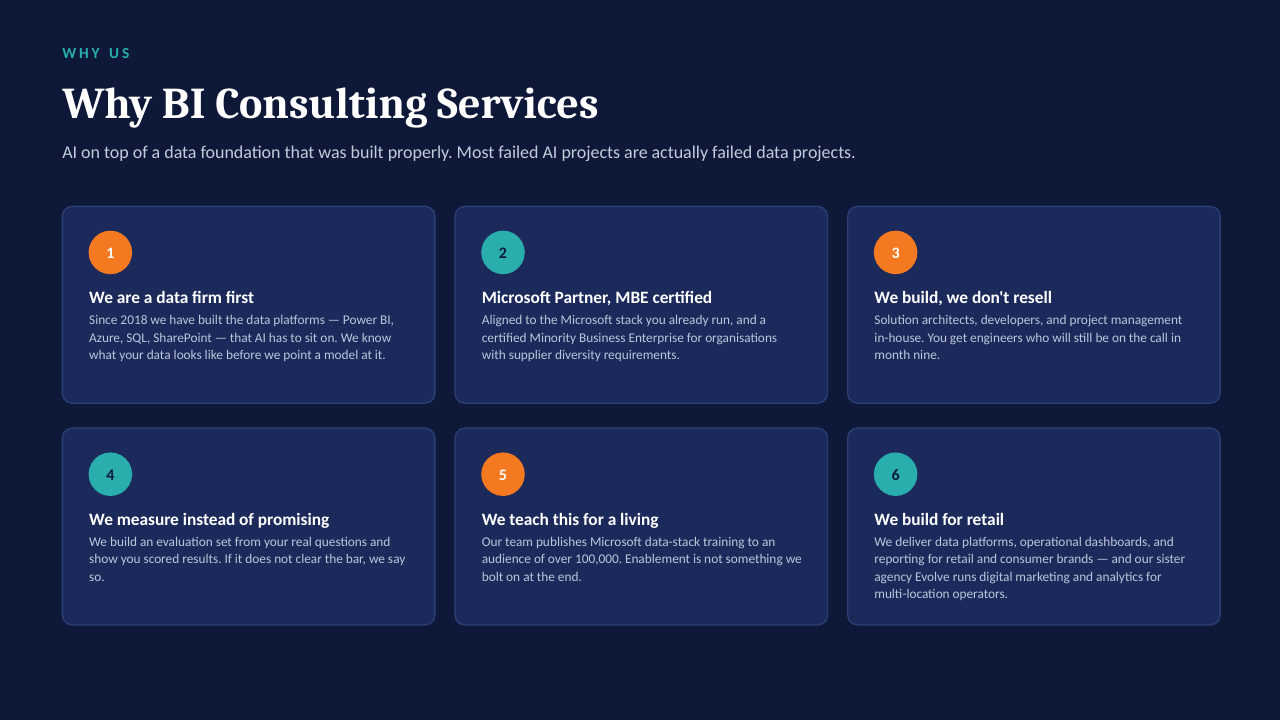
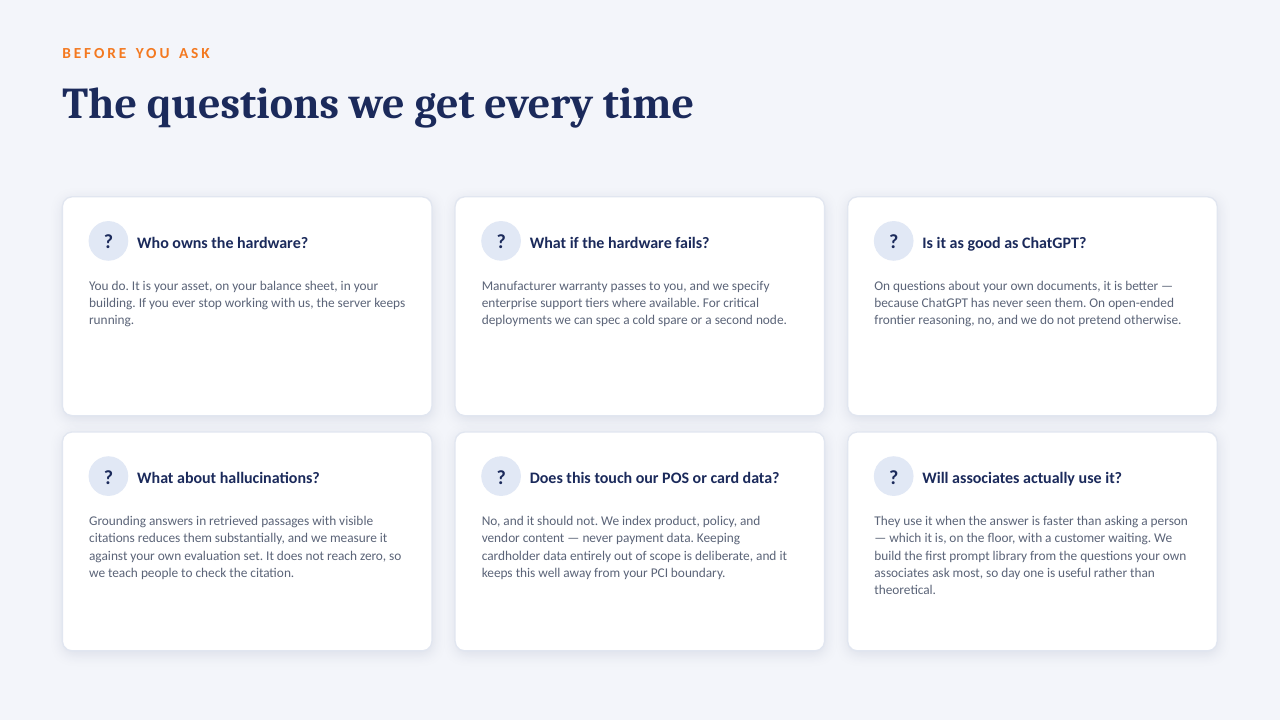
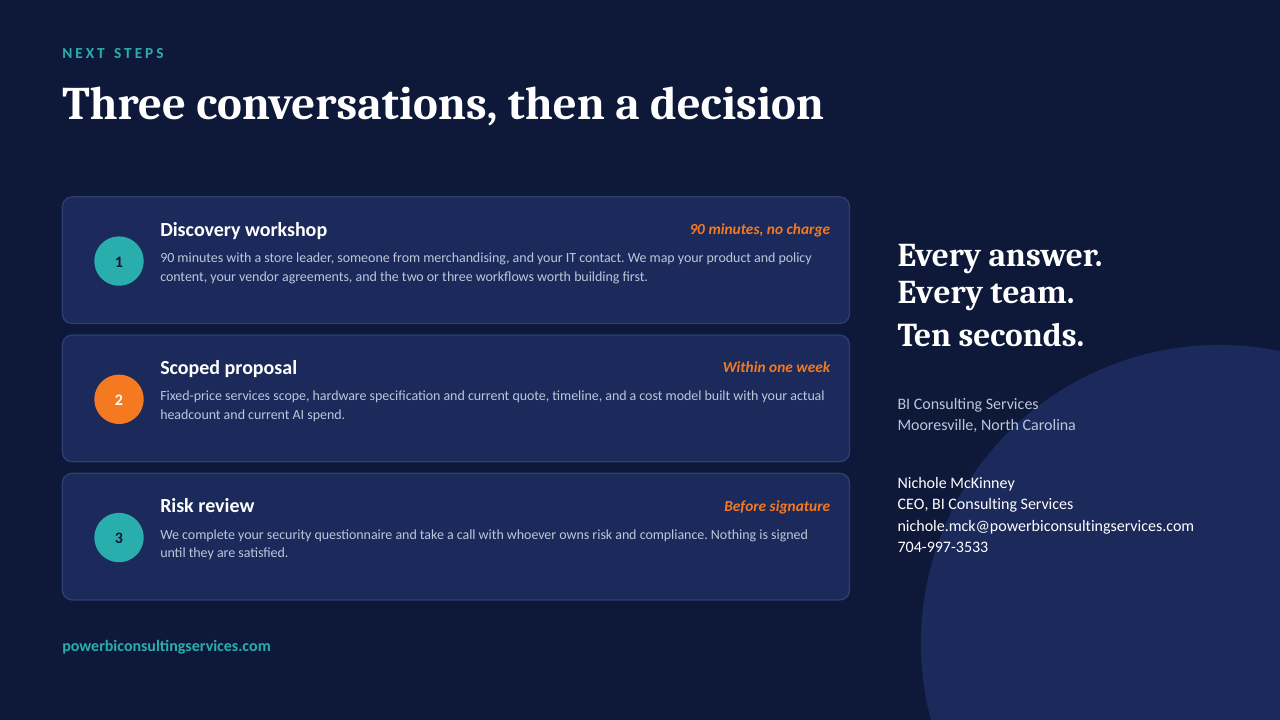
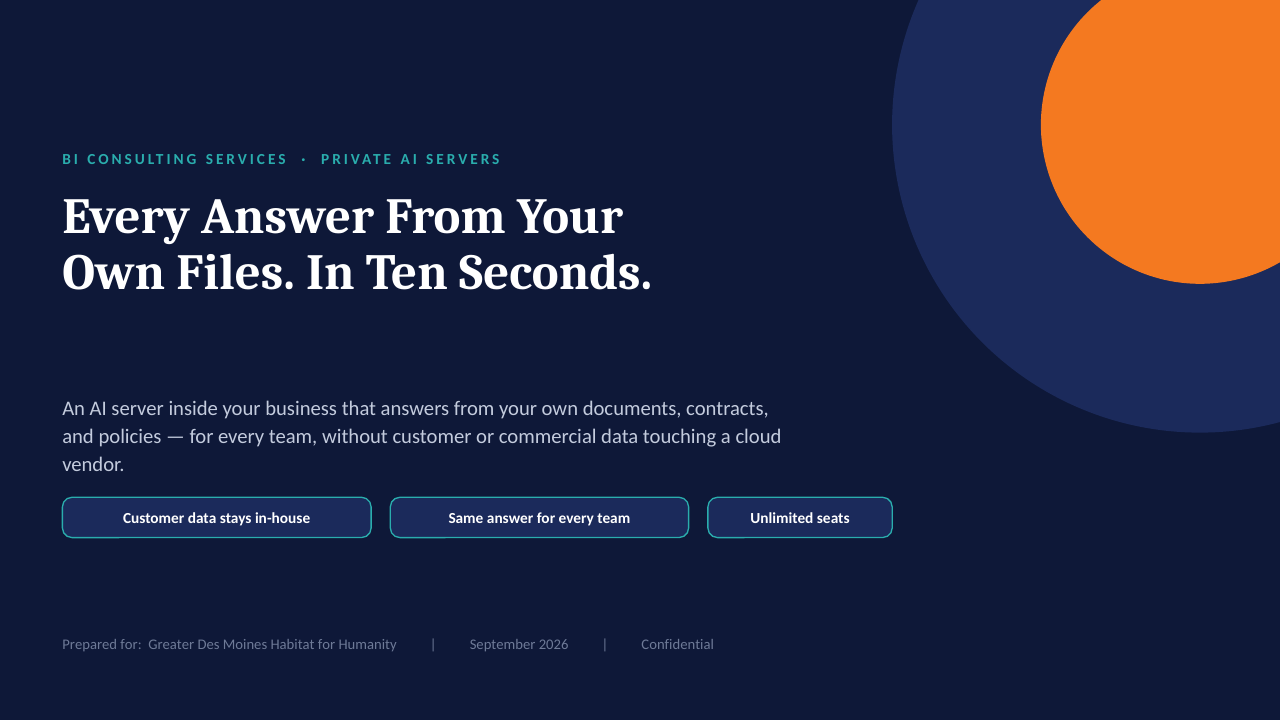
14 slides on how a private AI server is scoped, secured and rolled out. Click through, or take the PDF.

Download the PDF
Private AI on your own server — slide 1 of 14 Private AI on your own server — slide 2 of 14 Private AI on your own server — slide 3 of 14 Private AI on your own server — slide 4 of 14 Private AI on your own server — slide 5 of 14 Private AI on your own server — slide 6 of 14 Private AI on your own server — slide 7 of 14 Private AI on your own server — slide 8 of 14 Private AI on your own server — slide 9 of 14 Private AI on your own server — slide 10 of 14 Private AI on your own server — slide 11 of 14 Private AI on your own server — slide 12 of 14 Private AI on your own server — slide 13 of 14 Private AI on your own server — slide 14 of 14
1 / 14Tap or click a slide to advance · arrow keys work too

Worth a conversation? Book 30 minutes with NicholeBI Consulting Services · powerbiconsultingservices.com